How create new Users subscription group?
How create new Users subscription group?
1. Enter to Simple Membership admin dashboard
From the backend of your Joomla site (administration) select Extensions -> Components -> Simple Membership -> Groups
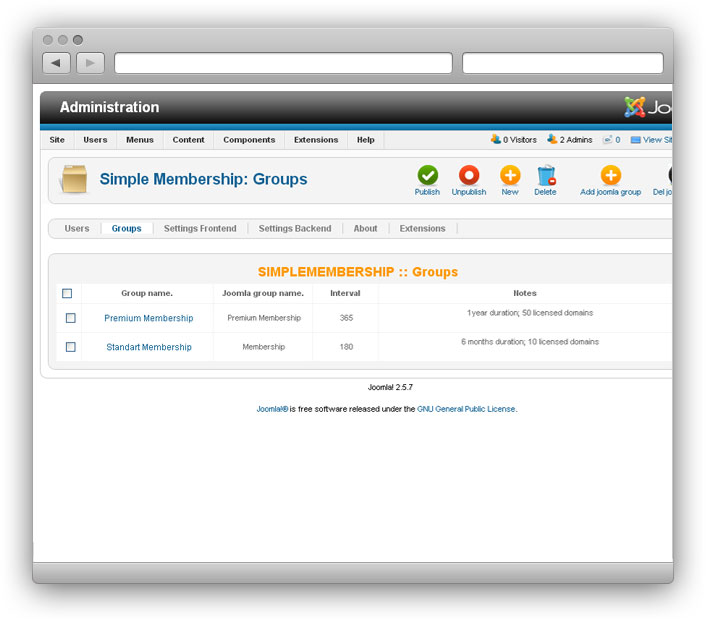
2. Create new Joomla User Group
1. From the backend of your Joomla site (administration) select Extensions -> Components -> Simple Membership -> Groups
2. In the top right corner click to "Add Joomla Group"
3. Select "Joomla parent Group" and enter "Joomla Group name"
4. Click to "Save and Close"
3. Create new Simple Membership User Group
1. In the control panel click to "New"
2. Enter Subscription Group details:
- Title;
- Select parent Joomla group to Simple membership group;
- Time to expire for this group - user will be automatically expire from group
- Connected virtuemart product - to join the group user need to buy subscription
- Post-register notes for this group.
we support payment systems