How to Use Tags in Joomla
Joomla Tags help you organize content in a flexible way. Unlike Joomla Categories where an article belongs to only one category, tags allow you to connect content across different categories. An article in the News category and another in the Tutorials category can both have the tag "Joomla". This makes it easier for users to find related content.
What Are Tags in Joomla?
Tags are keywords you assign to content. They help to Group related articles, Improve website navigation, Improve internal linking, Support SEO, Create tag-based content pages. Tags work across: Articles, Contacts, News Feeds, Banners, Many third-party extensions.
Categories vs Tags
Categories:
- Required (1 per article);
- Structured hierarchy;
- Organize main content sections.
Tags:
- Optional;
- Flexible grouping;
- Connect related topics.
Categories as folders and tags as labels.
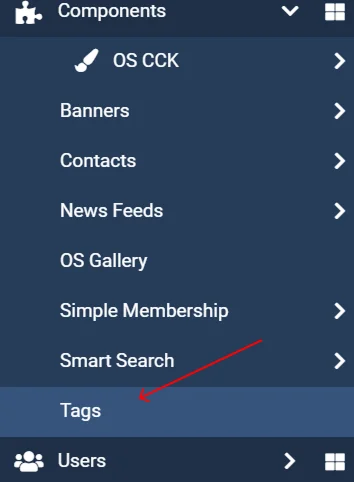
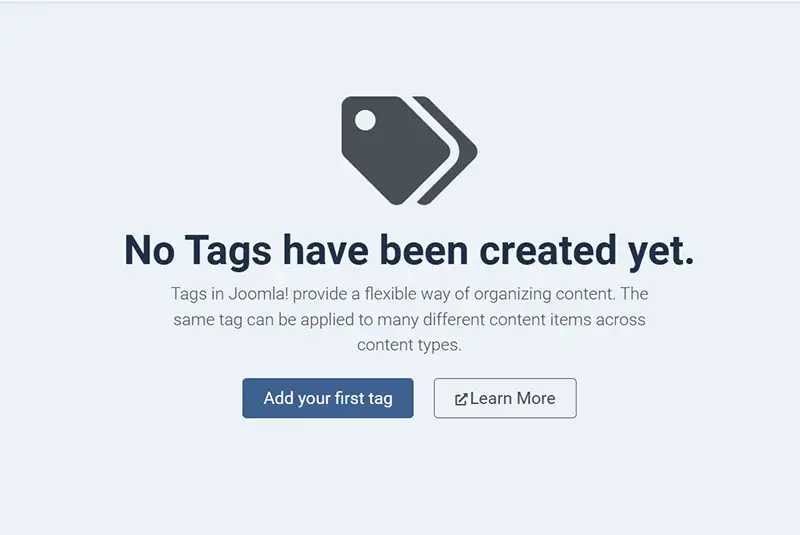
How to Create Tags in Joomla
- Go to: Administrator Panel.
- Click: Content → Tags.
- Click: New.
- Enter: Title (e.g., "Joomla Tips"), Description (optional).
- Click Save & Close.
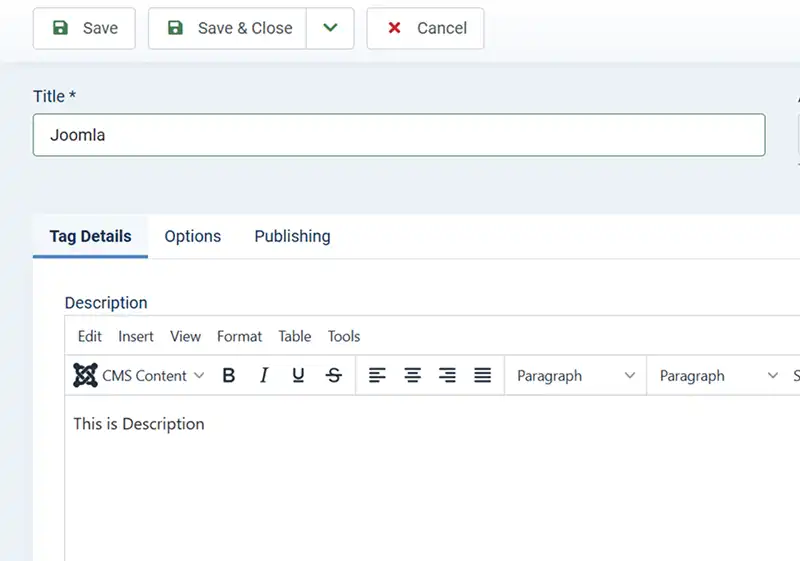
You can also create nested (parent/child) tags if needed.
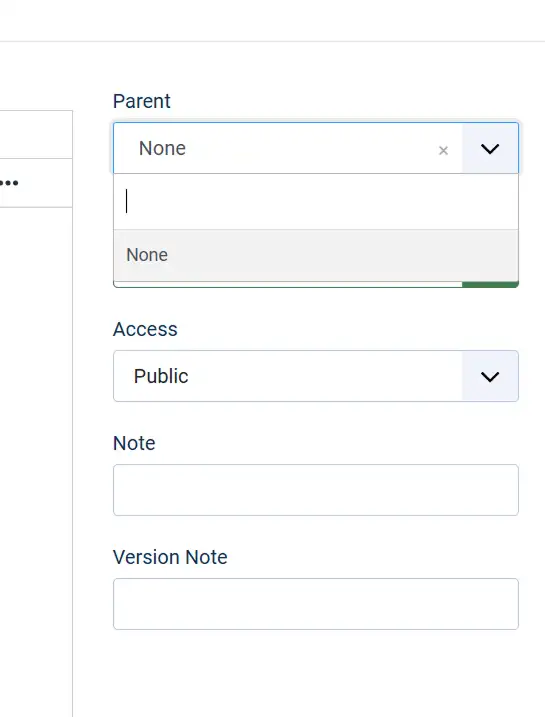
How to Add Tags to Articles
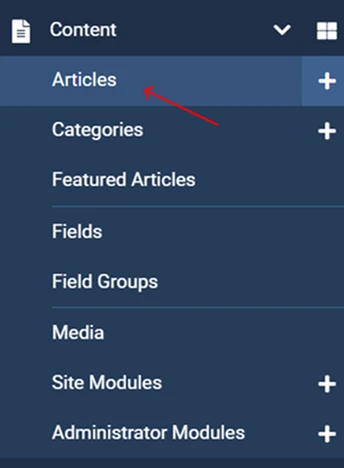
- Go to: Content → Articles.
- Create or open an article.
- On the right side, find the Tags field.
- Start typing the tag name.
- Select existing tag or create a new one.
- Save the article.
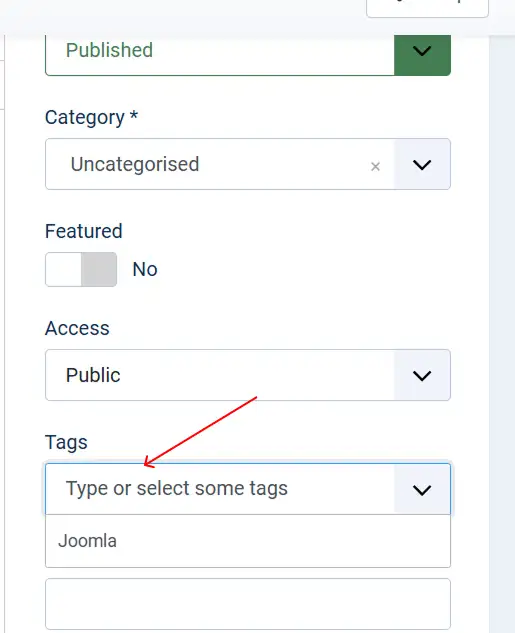
Now the article is connected to that tag.
How to Display Tagged Content on Your Website
You can create menu items that show content based on tags.
Create a Tag Menu Link:
- Go to: Menus → Your Menu → New.
- Click: Select.
- Choose: Tagged Items, List All Tags.
- Select the tag.
- Save.
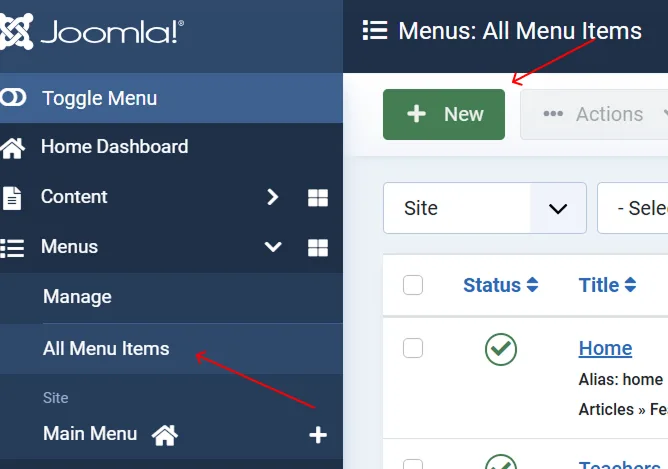


This will create a page showing all articles with that tag.
How Tags Help SEO
Tags improve SEO by creating internal linking between related articles, Making content easier to discover, Improving site structure, Increasing time spent on site. But don't overuse them. Too many unnecessary tags can create thin content pages.
- Use tags for cross-topic connections;
- Keep tag names clear and simple;
- Avoid creating too many similar tags;
- Don't duplicate categories as tags;
- Use 3-5 relevant tags per article.
Tags in Joomla are a powerful tool for organizing and connecting content beyond categories. They improve navigation, user experience, and SEO when used correctly. If categories build the structure of your website, tags create the connections.