News
Best WordPress themes of Year 2015 from OrdaSoft
In these last days of the year 2015 we would like to share the best WordPress themes from OrdaSoft. We've summed up the number of downloads and purchases and here are results of the best WordPress themes of 2015.
One more great news is our Christmas and New Year discount. Up to the end of year 2015 you can subscribe to our WordPress Standard Club and get all the best WordPress themes from here with a 20% discount. So let's look at the best WordPress themes 2015:
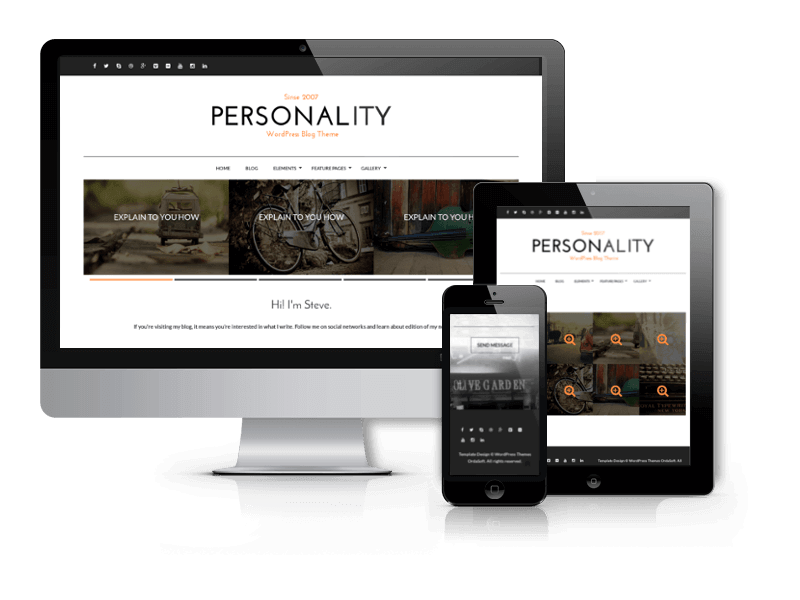
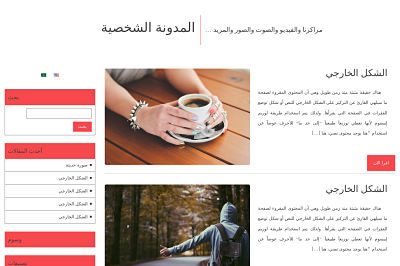
Best WordPress Personal Blog Theme 2015 from OrdaSoft - Personality
Personality is simple yet impressive Personal Blog WordPress theme. Suitable for all kind of blogs - personal blogs, diaries or any other blogging websites. The WordPress theme has beautiful typography and excellent effects. The theme options will let you change logo and favicon, footer, font styling, insert your social links, copyright and much more.
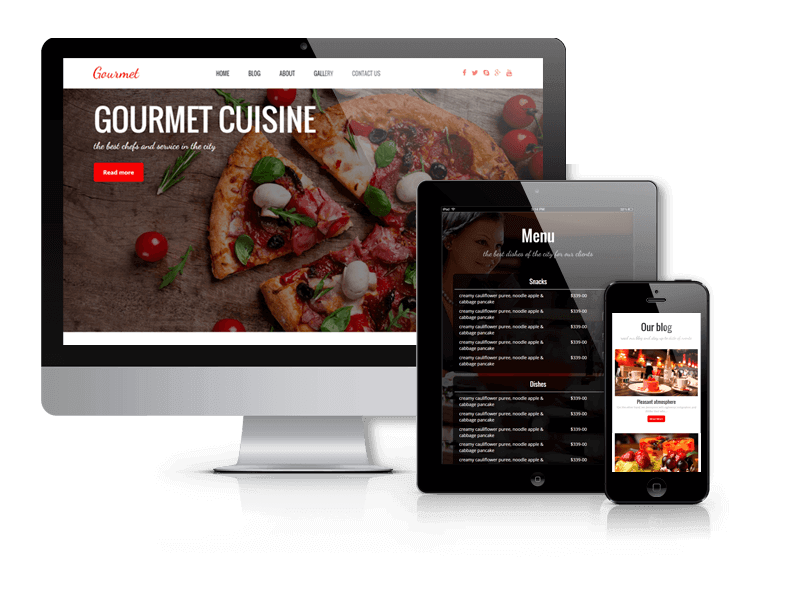
Best WordPress Restaurant Theme 2015 from OrdaSoft - Gourmet
Gourmet is responsive and eye-catching WordPress restaurant theme that can be used for any food-related website - pizzeria, bar, bistro, fast food eatery or restaurant. It based on WordPress Blank Theme and has all of its awesome features (lot of widget areas, logo uploader, nice typography and more). Quickstart package will help you to install theme quickly to get the same website like on the demo page (images aren't included).
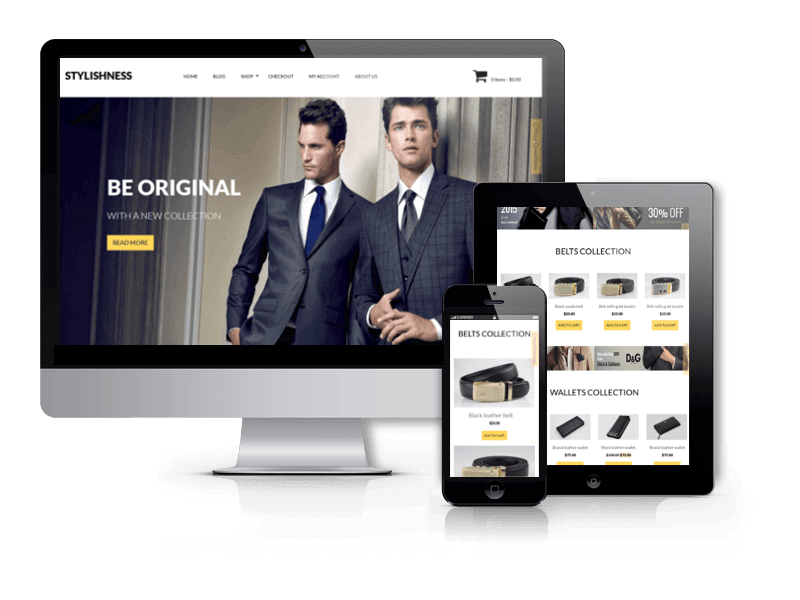
Best WordPress eCommerce Theme 2015 from OrdaSoft - Stylishness
Stylishness is a responsive WooCommerce theme. The theme will delight you with clean and responsive layout, stylish design and flexibility. Stylishness one of the best Woocommerce WordPress Themes is suitable for any kind of web shop - shoes, accessories, clothes, beauty and other fashion related online stores.
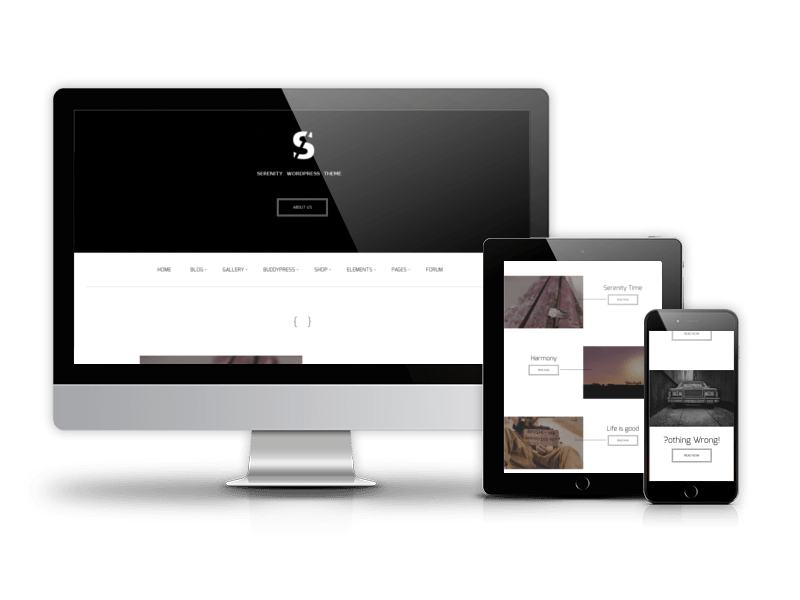
Best Business WordPress theme 2015 from OrdaSoft - Serenity
The stylish and clean design of Serenity - Business WordPress theme allows to use extensively this premium WordPress theme for portfolio and business WordPress websites. The responsive layout of professional WordPress theme looks great on every device. In Serenity WordPress theme you'll find a great modal window in header, you can adjust the text by yourself. Serenity is built on business in mind, is responsive, clean, modern and minimal. WordPress Business theme is eCommerce (WooCommerce) Compatible, RTL, Retina-Ready, SEO Friendly and with nice header image is one of the best business WordPress themes.
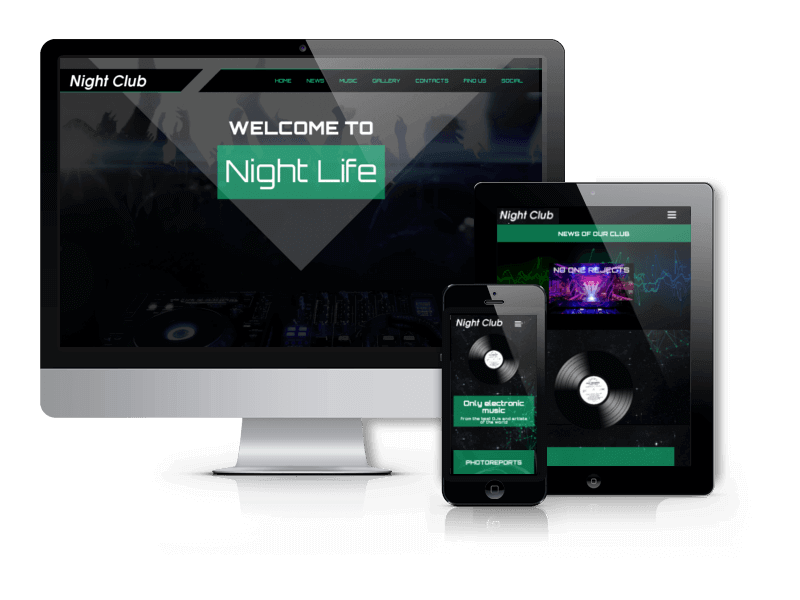
Best Night Club WordPress Theme 2015 from OrdaSoft
Night club is impressive one-page nightclub WordPress theme, that is perfect choice to build website for your nightclub, dance club, dance party, DJ's, radio station or for other nightlife/music website. The theme is well integrated with main social networks, and lot of options are built-in to help you bring your site its own look. Theme options will allow you to upload background images, favicons and logos, as well as give you some control over colors and typography. Extensive documentation is provided, as well a QuickStart package for fast and effortless installation.
In the New 2016 Year we want to design more responsive WordPress themes and update a lot of WordPress themes made before. You can write all your ideas and suggestions about new themes in the contact form.
Add a commentBest Joomla templates of Year 2015 from OrdaSoft

In these last days of the year 2015 we would like to share the best Joomla templates from OrdaSoft. We've summed up the number of downloads and purchases and here are results.
One more great news is our Christmas and New Year discount. Up to the end of year 2015 you can subscribe to our Standard or Developer Club and get all the best Joomla templates from here with a 20% or 30% discount. So meet the best Joomla templates 2015:
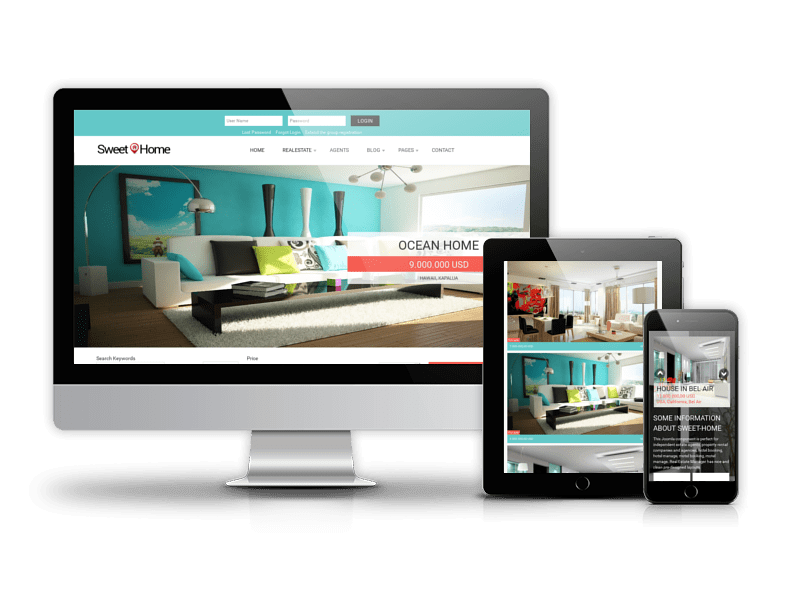
Best Joomla Real Estate template 2015 from OrdaSoft - Sweet Home
The collection of the best Joomla templates 2015 is opened by Joomla real estate template Sweet Home - incredibly vibrant and lively real estate Joomla template that could be perfect choice for real estate agents, realtors and brokers or for real estate agencies and companies related to realty business. This Joomla 3.x template is responsive and easy to navigate. It will help your real estate company to showcase listings in a proper way, draw customers and generate leads.
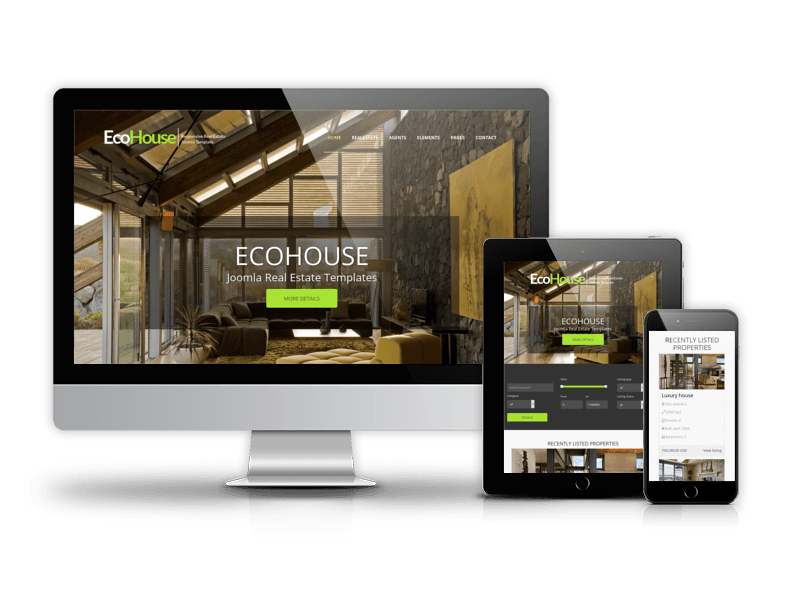
Top Joomla Real Estate template 2015 from OrdaSoft - Eco House
If you want professional looking website for your realty business, don't miss Eco House - fresh and clean Joomla real estate template. This is elegant and functional solution for real estates, vacation rentals, real estate agencies and companies as well as real estate agents and brokers. Eco House real estate template is based on Real Estate Manager v.3.5, great solution for websites specialized in selling or renting properties. This real estate Joomla template is the second in the list of best Joomla templates 2015, so it definitely worth your attention.
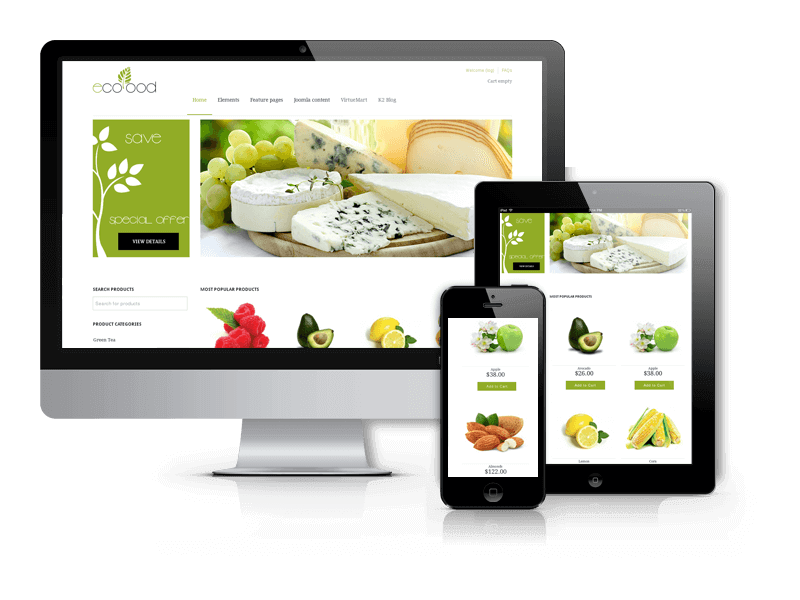
Best Joomla Virtuemart template 2015 from OrdaSoft - EcoFood
The best Joomla Virtuemart template 2015 is EcoFood. If you want to create online shop of eco friendly food - Joomla eCommerce template Ecofood is a great choice. Two versions of Food VirtueMart Template are available - for Joomla 2.5 and Joomla 3.x (built on VirtueMart 3). VirtueMart is a complete Shopping Cart and you don't need to install other ecommerce tools to manage your online shop.
Top Automotive Website Template - Car Catalog
Car Catalog is an great joomla template for car dealership. If you have a car business, you find what you need in Car Catalog. Template is fully ready website package, based on Joomla 3.3 and Vehicle manager PRO component 3.0. Car Catalog has a responsive design, that's why your site will equally look great on any device.
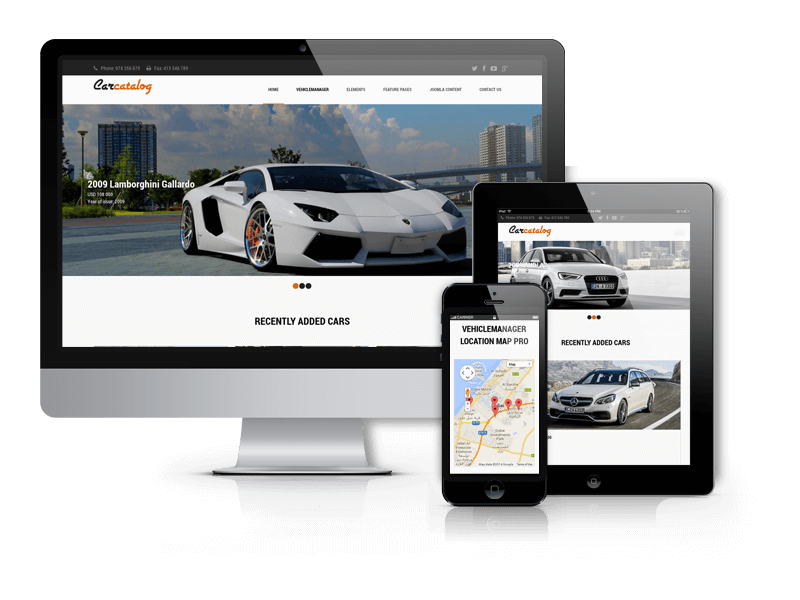
Best Joomla Car Dealership template 2015 from OrdaSoft - AutoSeller
Autoseller is professional and modern responsive car dealer website template based on Vehicle Manager 3.5. This template is specifically designed for car dealers, car renters and car sellers. Vehicle Manager Pro provides unlimited attributes for each listings like Location, Model, Mileage, Owner and helps to describe vehicles in all details. Also Vehicle Manager v. 3.5 includes lot of layouts, forms for contacting with agent, availability calendar, additional modules for creating full-featured auto dealership website: Search module, Google map module, module Featured, responsive Joomla slideshow and gallery.
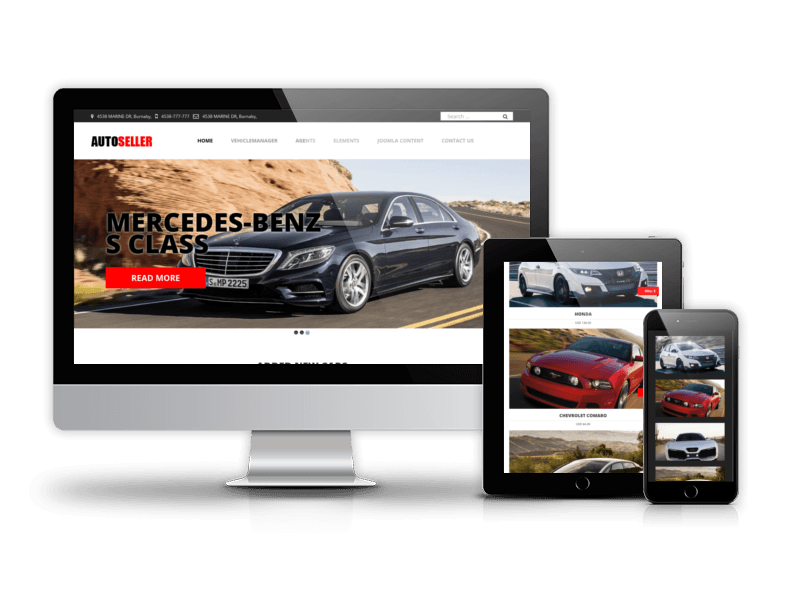
Best Yachting Joomla template 2015 from OrdaSoft - Boats
Boats is clean and responsive marine Joomla template for selling and renting any kinds of boats, yachts, sailing yacht, yacht companies and even yacht charters. Vivid colors and elegant polished design suit best for this marine thematic.
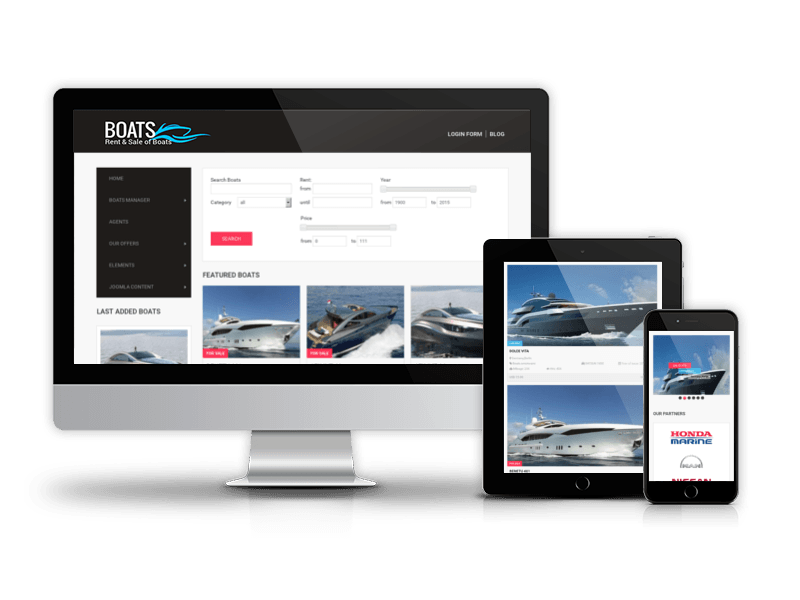
Best Business Joomla template 2015 from OrdaSoft - Rapture
Rapture is classic Joomla business template, that fits for every purpose. It’s clean, retina ready and responsive. You can use this template for business, freelancers, photography, portfolio showcase, modern businesses, agency, blog, personal use, etc.
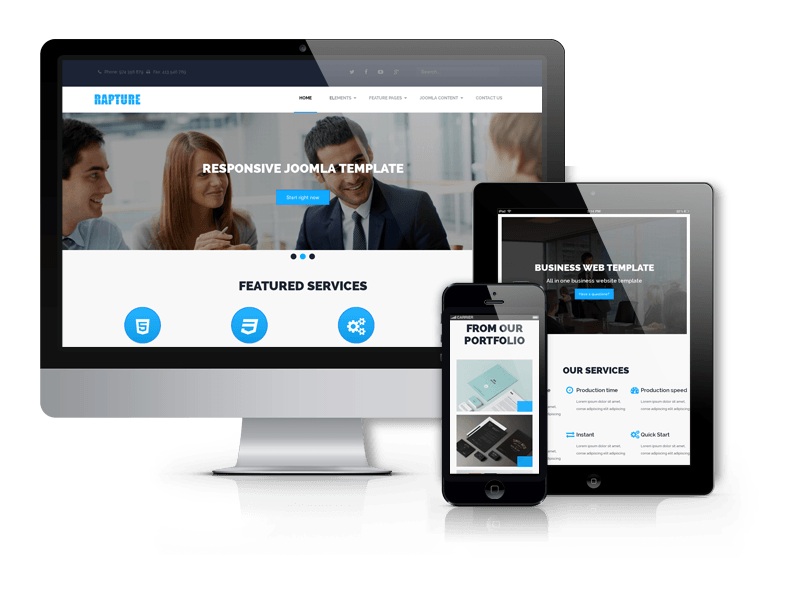
In the New Year 2016 we are going to create more awesome best responsive Joomla templates for real estate websites, car dealership, business and eCommerce websites. Be ready for cool stuff =)
Add a commentMeet Big Update of WordPress Blank Theme
We've just finished new updates for our Quickstart Package of WordPress Blank Theme, with Three big improvements. We've also made some modifications required by the new version of WordPress and the Woocommerce plugin. We do not made changes in OS Base - Starter WordPress theme, only work under our Quickstart Package. Hope You'll Like It.
So, let's summarize what has been made in updated OS Base - WordPress Blank Theme:
OS Base has become Multilanguage
Hence, in OS Base (after installation Quickstart Package) you can create or edit posts, pages, or create categories and post tags as usual, and then translate each of them. All translations must be done manually using Loco Translate plugin. It provides in-browser editing of PO files used for localizing WordPress plugins and themes. Next our Wordpress Quickstart Packages - Paid themes with WordPress, Widgets, Images, and Demo content will base on our WordPress Blank Theme and will include Multilanguage. Some of new features of OS Base - Free responsive WordPress Framework are:
- Built-in translation editor within WordPress admin
- Create and update language files directly in your theme or plugi
- Extraction of translatable strings from your source code
- Native MO file compilation without the need for Gettext on your system
- Support for PO features including comments, references and plural forms
- Configurable PO file backups
- Built-in WordPress locale codes
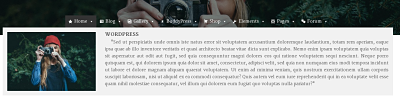
Responsive Mega Menu Builder
Now, in Quickstart Package of OS Base - Free Responsive WordPress Framework you can create widgetized mega menus using the built in Responsive Mega Menu Builder.
Some of thousands of built in features are:
- Drag & Drop
- Responsive
- 100+ customisation features
- Supports Flyout (traditional) style
- Fade or Slide transitions
- Add icons to menu items
- Supports multiple menus each with their own configuration
- Align menu items to the left or right of the menu bar.
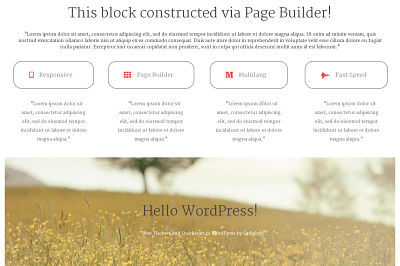
Drag and Drop, Responsive Page Builder
Page Builder works with standard WordPress widgets and hase drag and drop interface. Page Builder in Quickstart Package of OS Base - Free WordPress Theme supports live editing. This feature lets you see your content and edit widgets in real-time. Responsive Page Builder is available in 17 Languages, includes Row and widget styles, CSS control and History Browser Tool (It lets you roll forward and back through your changes).
- Drag and Drop
- Responsive
- No coding required
- Live Editing
- History Browser
- Row and widget styles
- Available in 17 Languages
So, FREE Quickstart Package of WordPress Blank Theme it's the fastest way to built your WordPress website quickly and easily. OrdaSoft WordPress Quickstart containing WordPress (the latest stable version), Widgets, Images, Plugins and Demo content. Try the power of OS Base, download and test it. This is absolutely for Free. We are sure you will like it!
Christmas and New Year 2016
Enjoy the month of gifts from OrdaSoft

The festive season is just round the corner and Christmas spirit is already in the air. Holiday preparation starts and we want to open the season of Christmas and New Year gifts now.
All of us from OrdaSoft wish you a Merry Christmas and Happy New Year! We express our warmest wishes by opening a month of Christmas and New Year gifts.
Every week up to January, 7th we will be making a new present for all of you. Bookmark this page or share it in social networks so as not to lose, because it's only a first part of Christmas and New Year gifts here. So let's start and you will find the best Joomla Christmas gifts!
Expired: Free installation of OrdaSoft template or extension
Expired: Logo Decoration for Club Members
Expired: 20% and 30% discounts on Subscription Plans
Gift 4: Template for free while buying Real Estate Manager or Vehicle Manager
While buying Real Estate Manager or Vehicle manager - car rental software in the period from 1st to 7th of January you will be able to get one of Joomla real estate templates or Joomla car dealer templates for free. After purchasing of extension, just choose template and send its name to us using contact form and we will send you download link.
With Best Wishes,
OrdaSoft team


 Add a comment
OrdaSoft news: results of Autumn work and gift for our clients
We are glad to present you the latest products produced by OrdaSoft team. For the last few months collection of Joomla templates replenished with 3 new items, Drupal themes collection got 2 new themes, also were updated Joomla Blank template and WordPress Base template, Book Library Joomla extension and was made work on CCK.
Also we have great news for all our customers. Due to Black Friday we've decided to offer the best Black Friday deal: 100% discount on our premium Joomla template Doctor Booking.
Just write via our contact form with message subject Black Friday Gift and we'll send the business Joomla template without asking any questions.
New Responsive Joomla 3.x templates:
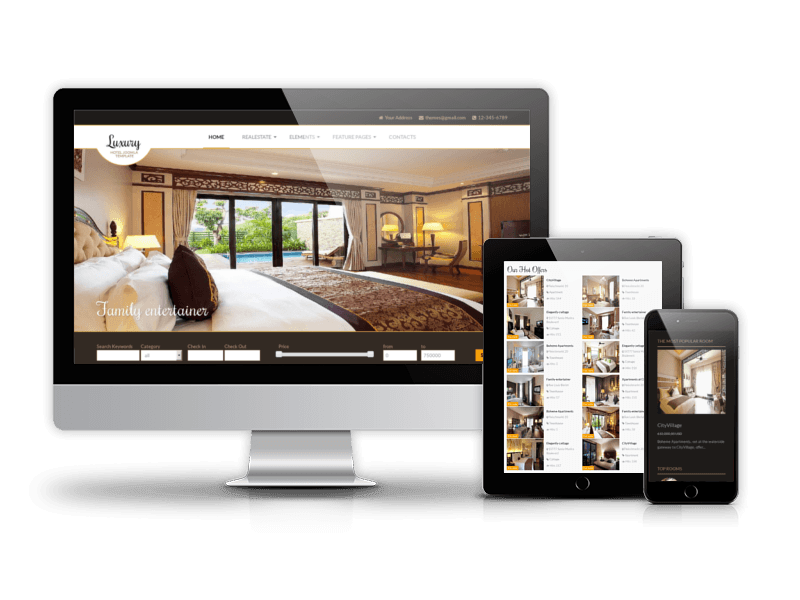
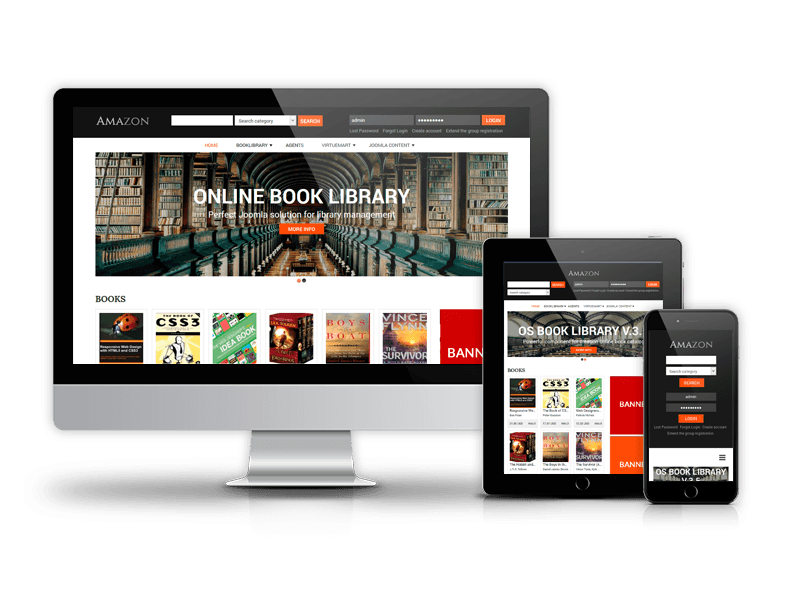
Three new templates were added to Ordasoft collection of Joomla templates: Luxury (luxury solution for the hospitality industry), Car Store (template for Joomla 3.x with impressive design and built-in Vehicle Manager v.3.6) and Amazon (Joomla template for digital library website).

Drupal Themes
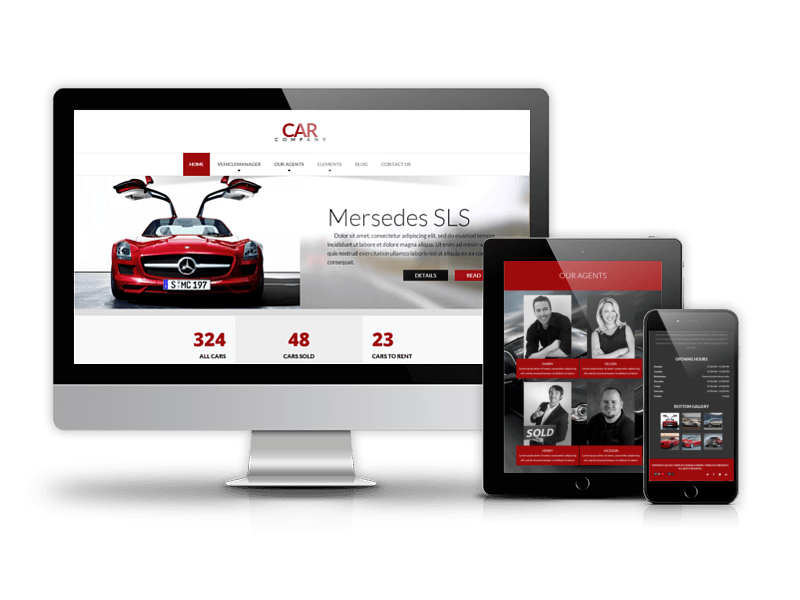
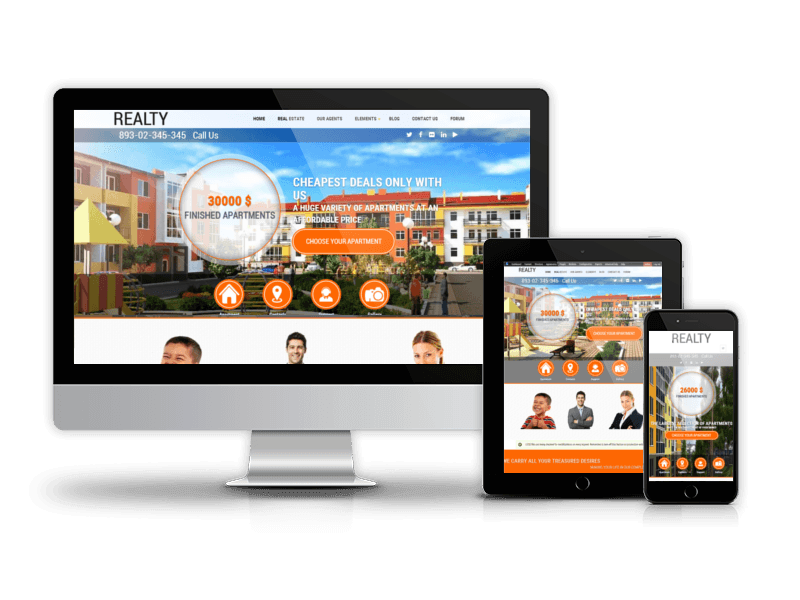
Meet two new themes for Drupal CMS - Car Company (Responsive Drupal theme tailored to car sellers and dealers) and Realty (premium Drupal theme for realty sector)
WordPress Blank theme
Fully updated version of WordPress Blank theme is now available for free download - download it here.
- Discover the new features and improvements of the new version:
- Demo content included
- WooCommerce Shop with custom design
- BuddyPress and bbPress
- Customizer with Live Previews
- 3 Layouts for Homepage
- 4 Gallery Styles
- 3 Blog Layouts
- Built with HTML5 and CSS3
- Documentation included
Joomla Blank template
New version of Joomla Blank template is saturated with tons of stunning extensions, additional pages and features that makes it more powerful and flexible - download and try it now.
- Let's have a look what have been added:
- VirtueMart 3 integration
- K2 Blog integration
- OS Simple Membership
- OS Touch Slider
- OS Responsive Image Gallery
- New Custom Pages
Book Library Updates
Book Library v.3.5 was redesigned completely, was added new layouts and features. Also the new section of documentation was made, so check it if something is not clear for you.
Updates includes:
- Updated system of associated books and authors
- Added menu Authors
- Added menu User Lend History
- Added ability to upload media files (videos, audios, subtitles)
- Added ability to clone books/authors
- Read more about this update
CCK Pro - coming soon...
CCK is content construction kit that enhances standard Joomla content manager and helps to create your own extra fields (content types) like checkboxes, select, radio buttons, downloadable files and more. These fields give you great flexibility to create exactly what you need.
In CCK Pro it will be much easier to create webpage's layouts using convenient Drag & Drop builder. But, this is subject of the next post.
Download free version
Best Regards,
OrdaSoft team
Add a comment
More Articles...
Page 29 of 56
we support payment systems