News
Media Library Security Update
Security improvements

OrdaSoft team announces the release of Media Library. This is security release, which eliminates the found vulnerabilities. Thanks to the hard work of our programmers, we conducted an audit of the component's security, optimized the code and added important security features that would not allow attackers to use SQL injections. Our goal is constant regular updating of our components, especially if it concerns security.
Add a commentBook Library Security Update
Security improvements

OrdaSoft team announces the release of Book Library. This is security release, which eliminates the found vulnerabilities. Thanks to the hard work of our programmers, we conducted an audit of the component's security, optimized the code and added important security features that would not allow attackers to use SQL injections. Our goal is constant regular updating of our components, especially if it concerns security.
Add a commentVehicle Manager Security Update
Security improvements

OrdaSoft team announces the release of Vehicle Manager. This is security release, which eliminates the found vulnerabilities. Thanks to the hard work of our programmers, we conducted an audit of the component's security, optimized the code and added important security features that would not allow attackers to use SQL injections. Our goal is constant regular updating of our components, especially if it concerns security.
Add a commentReal Estate Manager Security Update
Security improvements

OrdaSoft team announces the release of Real Estate Manager. This is security release, which eliminates the found vulnerabilities. Thanks to the hard work of our programmers, we conducted an audit of the component's security, optimized the code and added important security features that would not allow attackers to use SQL injections. Our goal is constant regular updating of our components, especially if it concerns security.
Add a commentHow to create a layer slider with a unique design on your website
If you want to create a slideshow on your website that immediately catches the attention of visitors, a slider with layers effect is the perfect choice for you. Superimposing images, text or videos in layers, allows you to catch and keep attention of visitors as long as possible on your website. Also, if we talk about e-commerce sites, then with the right picked images, you can creatively demonstrate your products and increase sales!
How add layer slider in Joomla website?
If you have a site built on the Joomla cms system, all you have to do - is install OS Touch Joomla Slider on your website. The slider carousel is specially designed for creating a variety of slideshows on a website and includes options for superimposing layers with various effects. Touch Joomla Slider allows to add layers of Image, Text, html objects and manage them.
Easy steps for create Layer Slider
1 Step. Install OS Touch Joomla Slider on your website. How to install Joomla Slider you may look here.
2 Step. Slideshow carousel involves working on creating a slider from the frontend. This feature will provide you with easy work on the layer slider and see changes immediately. Choose module position and assign module to necessary menu items->and add images, which will be superimposed in layers -> Publish module OS Touch Slider -> Go to the frontend area of your website and log in there.
On the Frontend of the website you will see blank joomla slideshow (don't forget to log in on the Frontend for start create your slideshow)
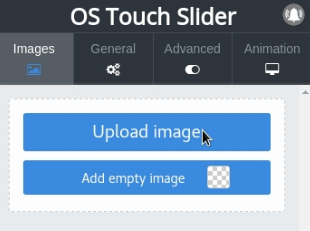
3 Step. Next, you need to upload an image that will serve as the background for your future layers (images or text).
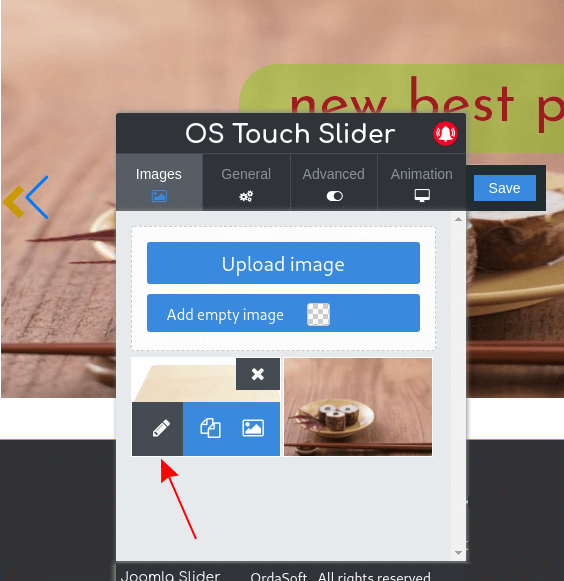
4 Step. After downloading the basic image - сlick the edit button next to the image itself and add pictures, Text, html objects for layers.
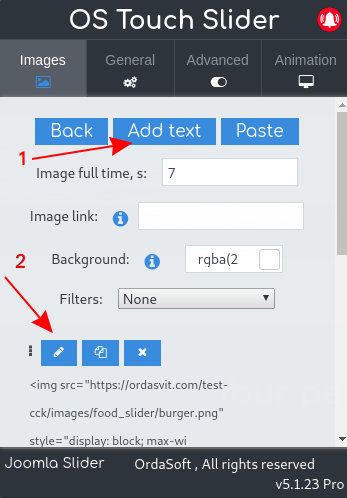
5 Step. Click on button -> Add Text, and you will see a window for addind and creating layers of html objects, images, text.
Also check our detailed video lesson - how to create a layer slider and how to edit and manage layers
Layer slider examples
It all depends on your imagination, create a unique and unrepeatable layer slider together with OS Touch Layer Slider! To show you some of the OS Touch slider's features, we have added layer slider examples. Downloading pro version of Touch carousel you will get some of the ready-made layer examples for free!
Example of Layer Slider for Real Estate website
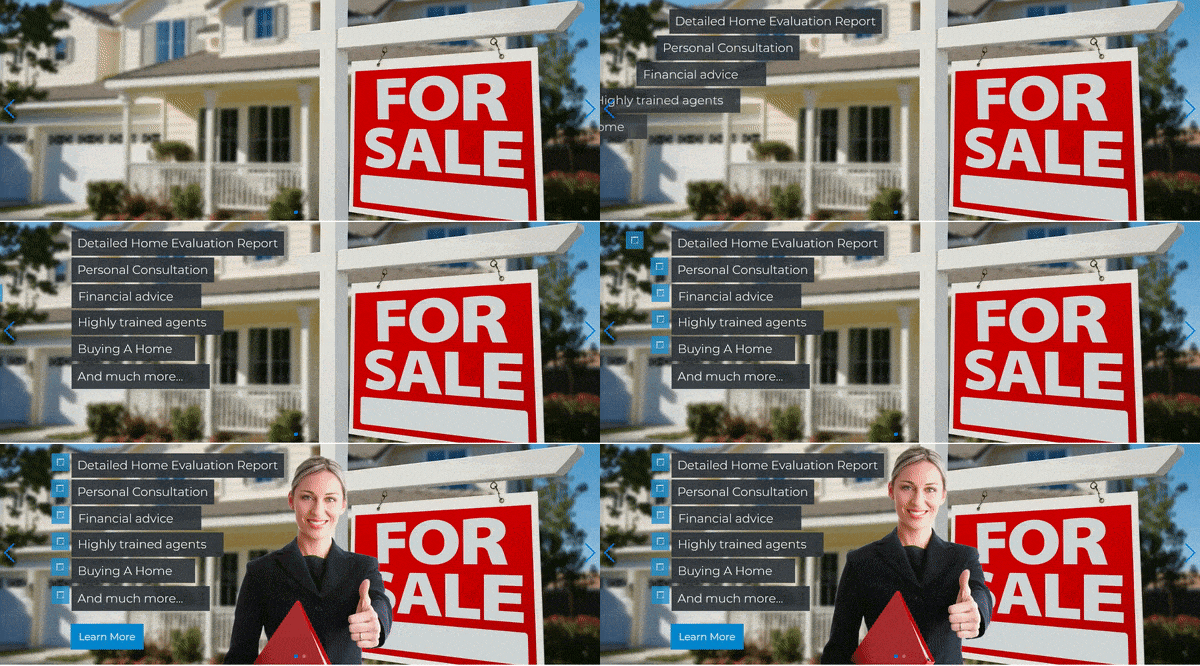
This predefined layer slider will be useful for real estate agents. You can put your background image of the right size, enter your advantage. You can change the address of the link "learn more", change the picture of the girl and much more. On this real estate layer Slider example you will clearly see how to build such a slide and be able to use the techniques used here to create your own unique slides. Our OS Touch layer slider gives almost limitless possibilities!
Layer slider example for weding website

If you are organizing weddings or selling wedding dresses and accessories, you will appreciate this simple wedding layer example. Animated slide as the statistics show have a greater response from users because they attract more attention in comparison with usual static banners. This example will help you understand how works our slider carousel with layer effects and will give you a push to implement your ideas..

"Keep calm and hire a planner". So says the proverb of our next Slider Example. Indeed, when such a crucial event as a wedding is ahead, it is better to remain calm and transfer responsibility to a person who is engaged in this professionally. Our Joomla Slideshow image scroller will allow you to use a huge number of effects the appearance of text, pictures, videos, links and buttons. This is not just a ready slide. With this slider for wedding you can change the required parameters in a couple of clicks and get a unique animated slide created by you without doing it from scratch. It is very convenient!
Layerslider for Sport site
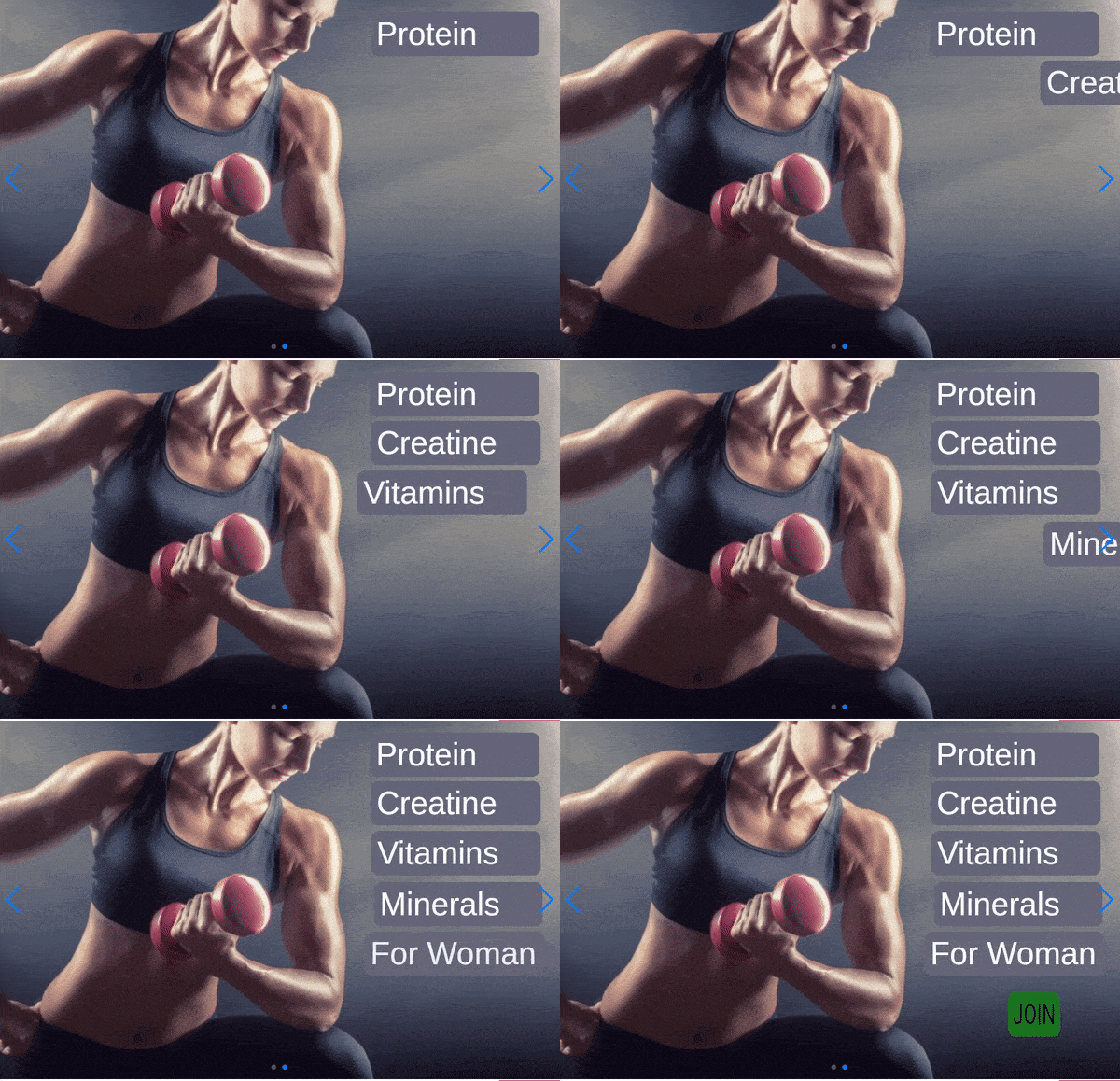
If your business is related to sports and you offer fitness services, this Example Layer slideshow for sport will suit you. You can change the logo, in the text of the slideshow write your products or your advantages, change the animation and link. Use the fitness and sports layer slideshow example and make your site unique!
Restaurant website with layer carousel
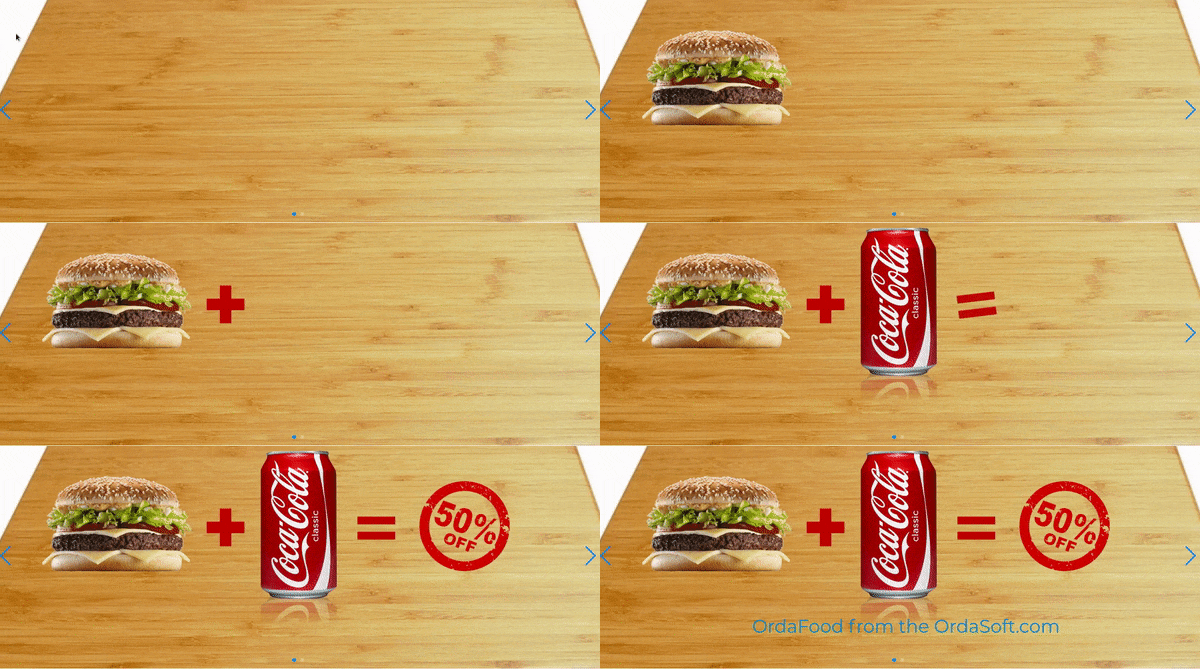
This Layer Carousel for restaurant perfectly shows what our Joomla Layer Slider module is capable of. For example, if you own a fast food restaurant, you can use this example to display your discounts and promotions. Just replace the background image and the path to the image files and you will get an unusual animated banner.
Car Layer Slider
 Car layer slideshow example. Animation is very attractive, and the text conveys what you want to say. As with other slides, it is not necessary to stick to topics. You can use this example for anything. Responsive slideshow carousel will easily allow you to replace text and pictures, while leaving the structure itself.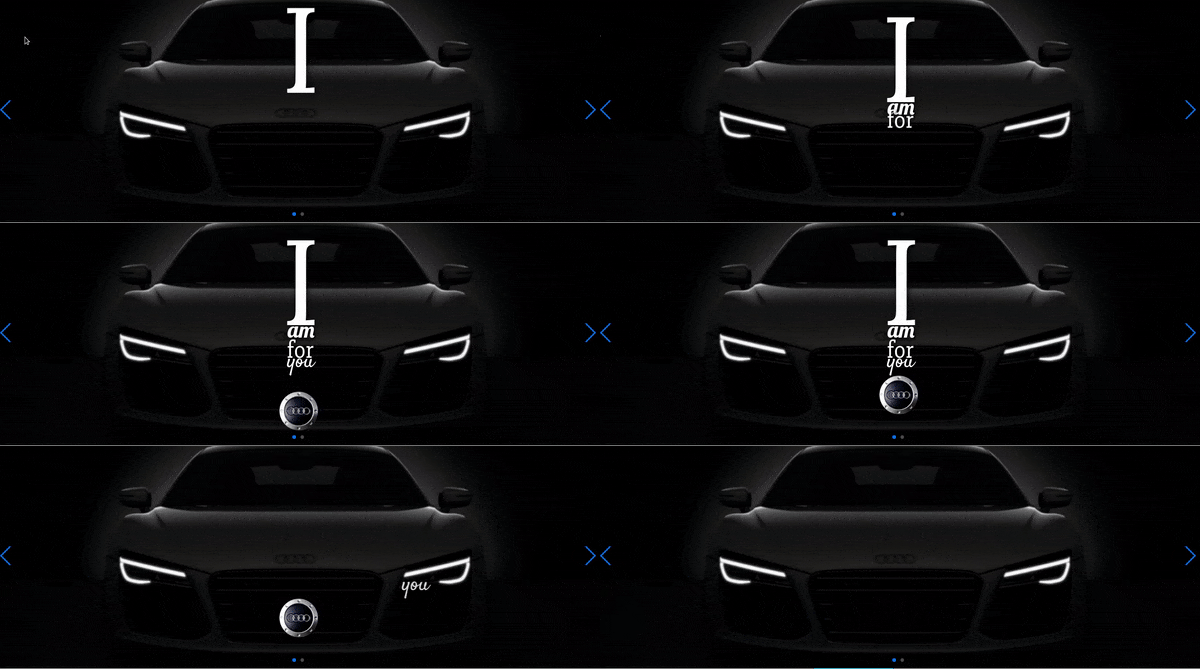
We remind you that Layer Slider examples you get for free when download Layer Slider. All you need is to export the file and you will get ready-made slides that you can modify, supplement as you need.
Read also useful articles about Layer Joomla Slider:
- How to install responsive Joomla Slideshow - Ordasoft Touch Joomla Slider
- How to manage images and create captions in OS Touch best Joomla slider
- How to Embed YouTube video into OS Touch Joomla Slider and make Video Joomla slider
- Options of responsive OS Touch Joomla Slider - Joomla Slideshow modulee
- How to animate text in best Joomla slider
- How to create fashion slide in OS Touch Joomla Slider
Ordasoft
›
Joomla Slider
›
How to create a layer slider with a unique design on your Joomla website
Add a comment
More Articles...
Page 23 of 55
we support payment systems